
Implementing Asana: Getting It Right…The First Time
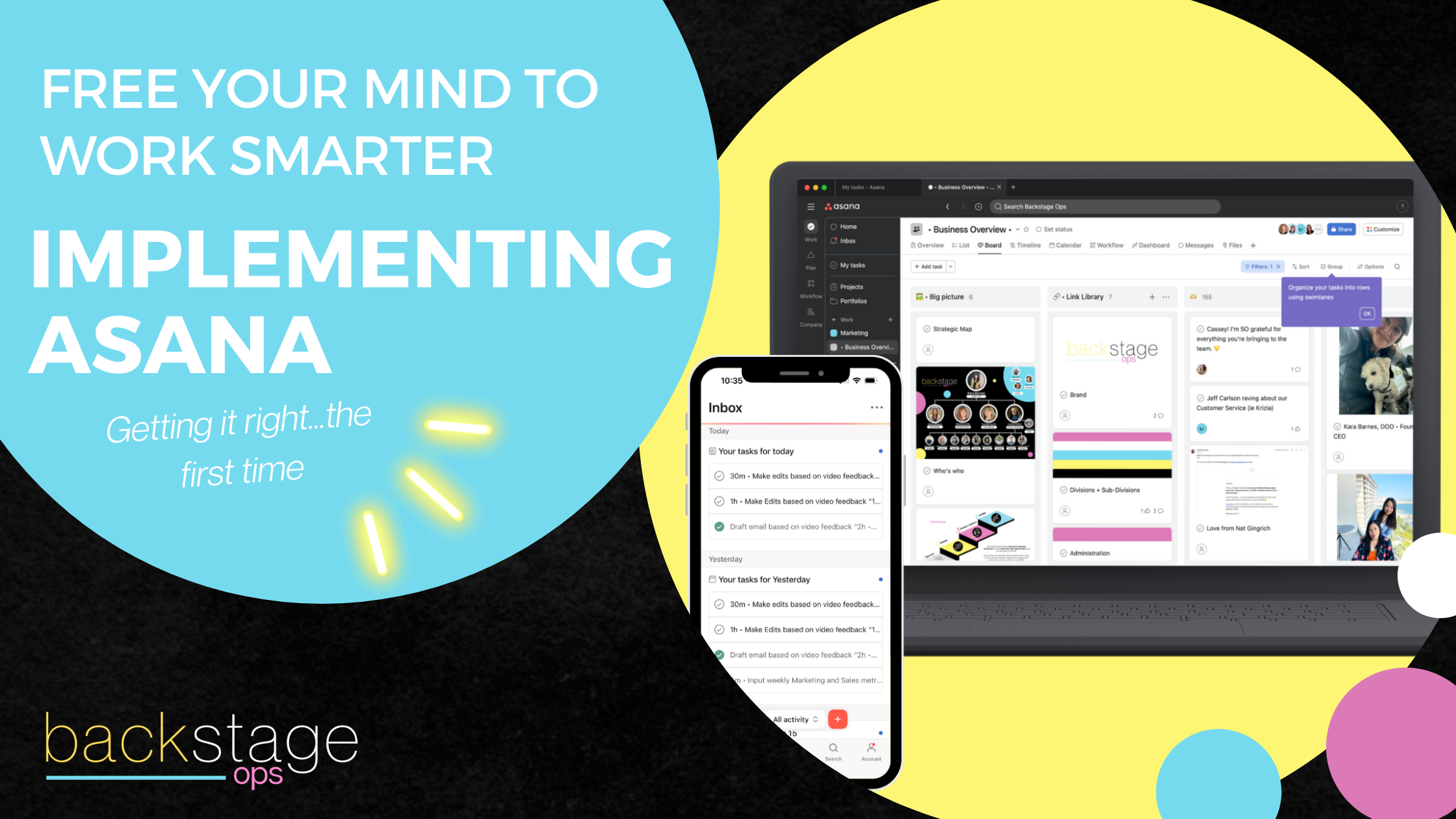

Anyone who has tried implementing a project management tool will tell you it doesn’t take much for things to get overwhelming…or messy. The smarter approach? Start manual, refine your workflows, and only when you’re ready bring in automation. This blog post is going to walk you through how to implement Asana correctly, common pitfalls to avoid, and why “go slow to go fast” is the best strategy.
Who Needs a Project Management Tool?
Asana isn’t just for big teams with complex operations. It’s a flexible tool that can grow with your business—and if used right, it can help you reclaim time, reduce mental clutter, and delegate with confidence. Not sure if you have a big enough team to justify using Asana? Let’s consider it together:
Solopreneur? Asana becomes your digital brain. It helps you map out your day, track progress on long-term projects, and reduce context-switching. No more toggling between sticky notes, inboxes, and calendar events, and letting things slip through the cracks.
Working with a VA or small support team? It creates clarity. Everyone knows who owns what, what’s due when, and where to find the details. It replaces the back-and-forth with a central source of truth for your business operations.
Running a growing team with 5–10 contractors or vendors? Asana helps you lead without micromanaging. With the right structure, you can zoom out to see business-wide progress or zoom in to resolve bottlenecks—without being in every single task.
Regardless of where you fall, the key is to implement Asana intentionally—and that means going slow before you go fast. Asana has a lot of bells and whistles (automations, conditions, etc.) if and when you implement those, it will completely depend on you and your team and what works best for you. So, how do you build a strong foundation in Asana? And when do you know it’s time to add in those automations?
Let’s get into it.

The Right Way to Implement Asana
Maybe you’ve never used a project management tool, or maybe you’ve tried them all. Either way, implementing in the beginning is key to setting yourself and your team up for success.
1. Start Manual: Test Workflows Before Automating
It’s tempting to automate everything from day one, but first, you need to identify what actually works. Here are a few things you need to do off the bat before touching one automation button:
Assign and track tasks manually for a few weeks
Observe where tasks get stuck, duplicated, or ignored
Adjust workflows based on real team behavior
Example: Before automating a content pipeline, manually move tasks through Asana’s stages (Drafting → Editing → Published). This helps you spot inefficiencies before they become permanent.
When you manually track workflows over time first, it allows you to refine and find exactly what works best before automating and creating what could potentially be a really big mess.

2. Keep It Simple: Avoid Over-Structuring
Asana’s flexibility is a double-edged sword. Just because a feature exists doesn’t mean you have to use it. Overloading your system with too many lists, dependencies, and custom fields can lead to clutter and slow down your workflow. Instead, consider these tips:
Broad Categories: Use Them Everywhere—Not Just in Asana
One of the most powerful things you can do when setting up your Asana workspace is to define five broad project categories—and then stick to them. These serve as your home base, the umbrella containers for everything your business touches. Ours are: Marketing, Sales, Fulfillment, Finance, and Administration.
We intentionally avoid creating new categories unless absolutely necessary. Even within each category, we cap it at two to three subcategories max. This restraint is what makes the system intuitive—both in Asana and across the business. We also keep a board that maps this all out and even includes a little link reference library (you can see an example below, isn’t it cute?).
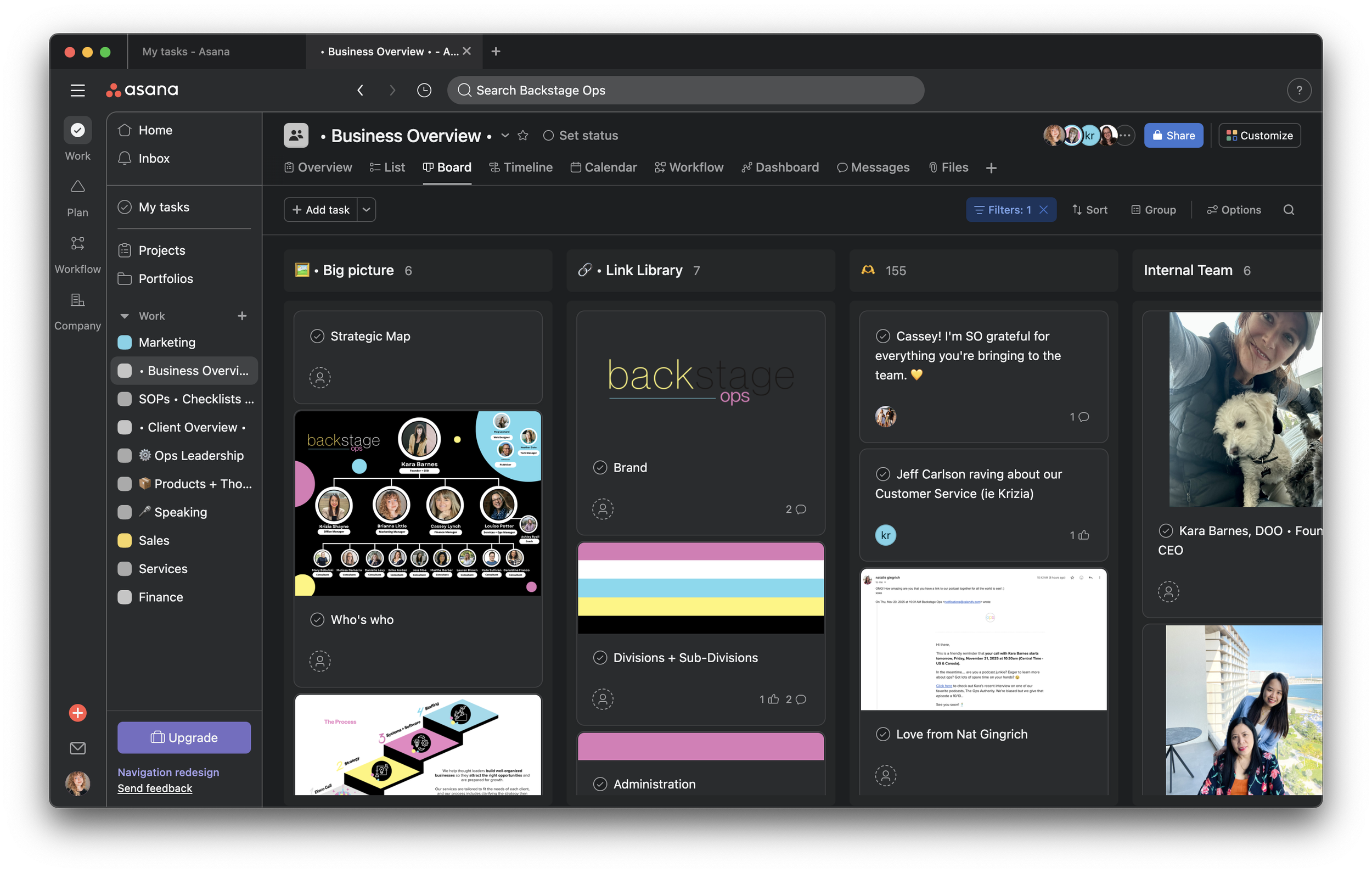
And here’s the magic: once you define these categories and start naming things consistently, that clarity starts to ripple. You can mirror the same naming structure in your Google Drive folders, your budget documents, your SOPs, your CRM tags—everywhere. That means your team won’t just understand how to find a task in Asana—they’ll know exactly where to look for a client folder, who owns which responsibilities, and what part of the business each task supports. Looking for additional ways to keep your team and systems clear? Learn about workflows that work in this blog post.
The consistency doesn’t just keep things clean. It gives your team context. It makes onboarding easier. It eliminates decision fatigue. And it turns your digital ecosystem into a well-marked map instead of a tangled maze.
Consistent Naming: Keep It Simple, Obvious, and Universal
Naming conventions are one of those details that seem minor—until they aren't. A consistent naming system makes it easier for your team to locate tasks, understand project scopes, and reduce communication friction. It also sets the foundation for trust and clarity in a remote or async environment.
For example, if you call it “Client Onboarding – Q3” in one place and “New Client Setup” somewhere else, your team wastes precious time trying to figure out if they’re the same thing. Multiply that across dozens of tasks, files, and Slack messages, and you’ve got a mess on your hands.
Here’s what we recommend:
Prefix project names by category (e.g., “MKT | Launch Plan” or “FIN | Q2 Review”)
Keep task titles action-oriented so it’s always clear what’s being done (e.g., “Draft blog post” vs. just “Blog”)
Standardize naming for recurring items so they’re easily searchable
Align naming across tools—use the same naming system in Asana, Google Drive, Dropbox, etc.
The result? Seamless coordination, fewer mistakes, and a team that’s empowered to work autonomously because they know exactly what’s what.
3. Use Templates, But Customize Thoughtfully
Asana offers pre-built templates for common workflows, but don’t assume they’re a perfect fit.
Remove unnecessary steps to avoid complexity
Tailor templates to match how your team actually works
Test the template with a small group before scaling
Establish Support Staff Norms and Training
A project management tool is only as good as its adoption. To ensure Asana actually makes your team more efficient:
Set clear expectations (e.g., update tasks before meetings)
Assign project owners to track progress
Create SOPs and quick video tutorials for onboarding

The Future Is Now
Every time I think about automations or the idea of having a completely automated process, I can’t help but feel like I’m living in the future! When automations are done right, they make work feel lighter and communication easier. When and how to implement those automations? Well, it’s simpler than you might think once your foundation is strong.

Follow this guide on introducing automation to your Asana workflows:
Automate After the Workflow Is Stable (Not While You’re Figuring It Out)
Before creating any Asana rule, ask:
Do we run this process the same way every time?
Does everyone agree on the steps and ownership?
Could a new team member follow this without extra explanation?
If the answer is no, don’t automate yet. You have hopefully already been tracking tasks for at least a few weeks, as we discussed, so if you can’t answer yes to all of these yet, it just means the cleanup isn’t quite done yet. Define sections and standardize task names, owners, and handoffs. Once the process runs smoothly for a few weeks without automation, that’s your signal that it’s ready.
And when you start, start small. Add rules that handle setup work:
When a task is added to a project → assign it to a role
When a task moves to “In Progress” → set a due date
When a task is marked complete → move it to “Done”
These rules save time without locking the process in too early.
Automate Repetition, Not Decisions
A good automation replaces something someone does the same way every time. A bad automation tries to make judgment calls.
If someone still has to stop and think, ask a question, or check context, that step should stay manual.
Good candidates for automation in Asana:
Assigning tasks based on status or section
Updating custom fields when status changes
Adding tasks to a follow-up project
Applying templates or subtasks
Not great candidates:
Deciding task priority
Determining scope changes
Escalating issues that require context
Use custom fields (like Status, Priority, or Type) as triggers instead of task names. This keeps your rules reliable as projects evolve.
Use Automations to Organize Work—Not to Ping People
If an automation’s main purpose is to send a notification, it’s probably not doing enough. Asana automations should keep work organized so people can see what to do without being reminded constantly.
Too many automated comments, task assignments, or notifications create noise and get ignored. Here are some practical steps you can take instead:
Move tasks to the right section instead of commenting
Update a “Needs Review” field instead of @mentioning
Auto-add tasks to a reporting or review project
Encourage your team to commit to fully clearing their Asana Inbox once a day, or a few days a week, rather than reacting to constant alerts. A strong system pulls people in—it doesn’t chase them.

Review and Prune Automations Regularly
Automations aren’t “set it and forget it.” As workflows change, rules can become outdated or actively confusing.
Set a recurring reminder (quarterly is usually enough) to review:
Which rules are still firing?
Which ones do people work around?
Where tasks get stuck or duplicated?
Ironically, you can automate the review!
Bottom line: The best Asana automations are quiet, boring, and invisible. They kick in only after a process is clear, handle repetitive setup work, and make it easier for your team to focus on real work—not managing tasks.

Want Your Tools to Actually Work for You?
If you’re considering Asana (or any project management tool), and you want it to stick—not become a clunky afterthought that fades out after two months—we should talk.
We help small teams and visionary leaders implement the right tools in the right way so they don’t just sit idle. Instead, they drive clarity, focus, and momentum.
Whether you need help customizing Asana to fit your current team structure or ensuring your staff is fully trained and engaged, we’re here to make sure your systems fuel your strategy—not fight it.
Let’s design a setup that actually supports your business.
